
Access Bayfield County Property Records
Bayfield County property records are built around Washburn, the county seat, and the county's long-running land records office. Start with the Register of Deeds for deeds, mortgages, plats, and scanned document images. Then move to the county's map tools if you need a parcel, survey, or tax view. The county has a strong digital record trail, so a search can begin online and still end with a call to the office when you need a certified copy or a deeper book-and-page check.
Bayfield County Property Records Overview
Bayfield County Property Records Office
The Bayfield County Register of Deeds office sits at 117 E. 5th Street in Washburn. The office has used computerized imaging and indexing since late November 2002, which gives the county a strong base for land search work. That matters in Bayfield County, where the records trail can reach back a long way and the public often wants both a deed image and a map view. The county summary also points to public terminals, so a walk-in search still has a place alongside the online tools.
Bayfield's record setup is practical. You can use the office page for land-record access, then shift to the county portal if you need more context. The county homepage source is linked at Bayfield County's main site, and the page below shows the public entry point people use to reach the land records side of the county.
Bayfield County's main site is the starting point for county services and land-record links.
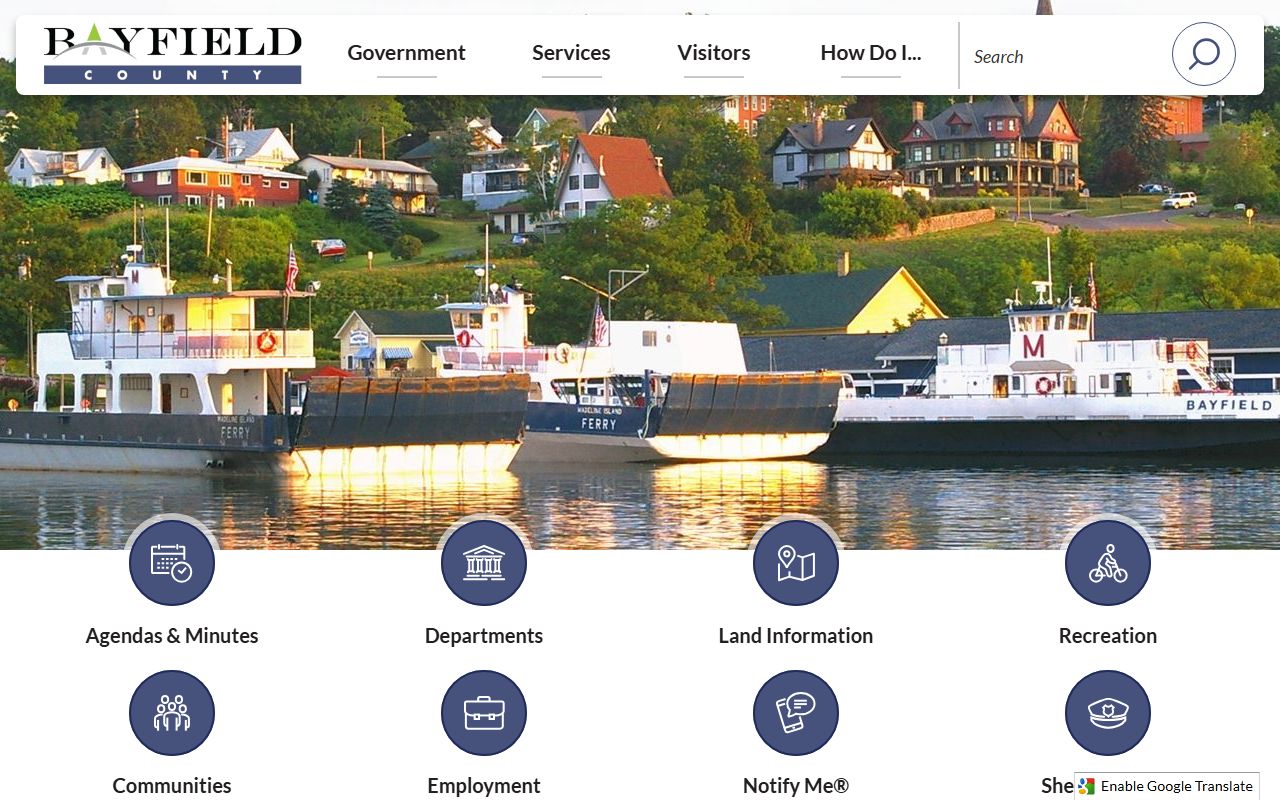
That homepage route helps when you need the Register of Deeds, treasurer, or land information office in one place.
Bayfield County Property Records Search
Bayfield County keeps a separate land records portal and an interactive web map system. That split is useful. The landrecords portal works best when you want recorded documents and office access. The web map is better when you want to see parcel data, survey records, or a mailing label view. Together, the two tools let you move from a deed trail to a parcel check without losing the thread.
The research also points to LandShark, Laredo, and Tapestry style access in the county's record workflow. That means Bayfield County users can search, purchase, or review documents in more than one way. It also means the office can serve both casual users and people who work with land files every day.
Bayfield County search tools include:
- The landrecords portal for recorded documents
- Interactive web maps for parcel and survey detail
- Public access terminals for in-office searches
- Document search systems for copy purchase and review
Bayfield County land records portal is the best place to start when you want a document-based search.
Bayfield County land records portal gives Bayfield users direct access to the county's recorded document side.
Use it first when the document number, legal description, or recorded image matters most.
Bayfield County Property Records Maps
Bayfield County's interactive web maps pull together parcel information, survey records, and other land data. The map system is designed for practical use. You can search property information, look up survey records, and even print mailing labels. That is helpful in a large, rural county where parcels can be spread out and where old survey work still matters. The county also works in step with the Wisconsin Land Information Program, which helps keep local mapping aligned with state standards.
The map side of the county record system also connects with the broader Wisconsin parcel data effort. The state parcel map initiative gives a second way to compare local data, and the statewide map layer is useful when you want one more check on parcel shape or ownership information. Bayfield County property records are stronger when you use both the county map and the state data together.
Map and parcel resources include Bayfield County interactive web maps and the statewide parcel map at the Wisconsin State Cartographer's Office. Bayfield's county GIS tools and the state parcel layer fit well together when you need a cross-check.
Bayfield County interactive web maps are the county's public parcel and survey view.
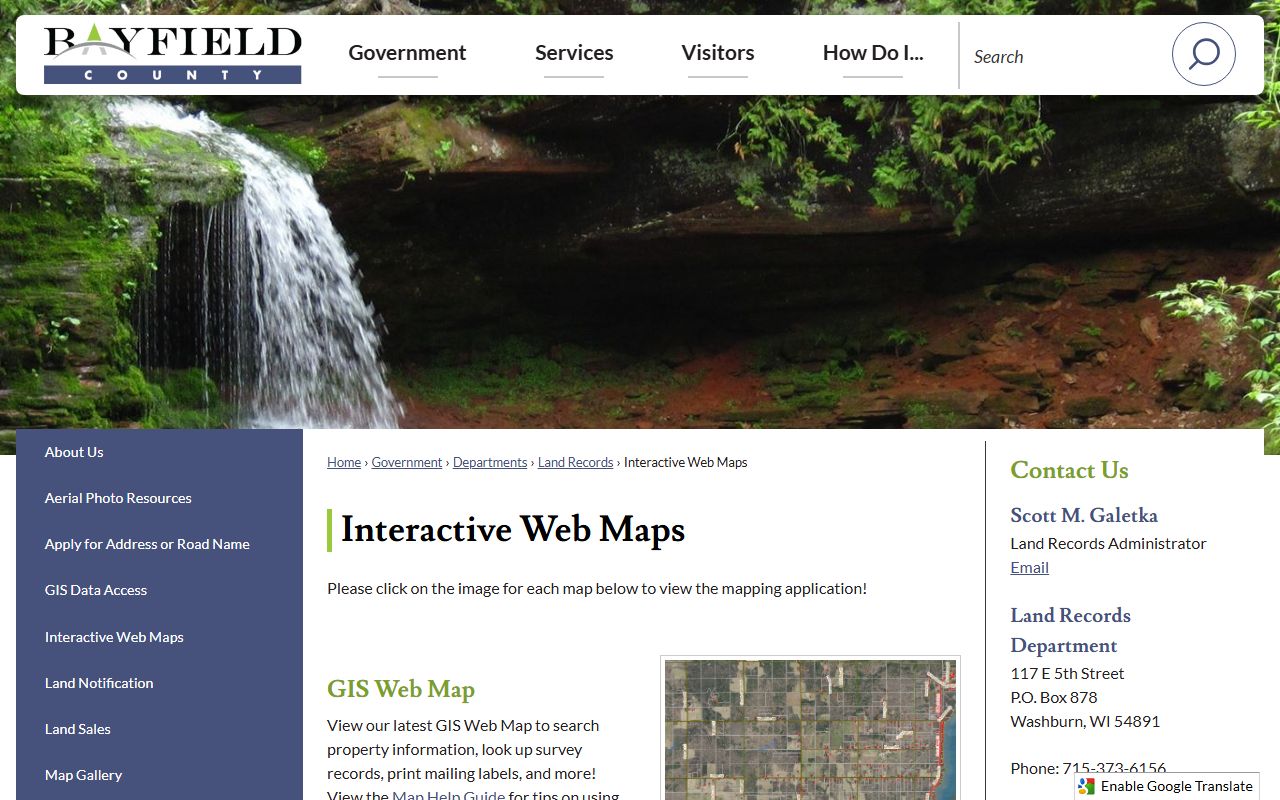
That map view helps you move from a document name to a parcel shape fast.
Bayfield County Property Records Fees
Bayfield County follows Wisconsin recording law, so the same core state rules apply here. The deed and transfer process is shaped by Wis. Stat. § 59.43 for recording, Wis. Stat. § 77.22 for transfer fees, and Wis. Stat. § 77.265 for confidential transfer-return data. That framework matters because Bayfield's online tools show much of the public record, but the transfer return itself still has limits.
The county summary also points to survey records, surplus land sales, and public record access through the land records office. Those extra items help in real land work. A parcel search is not always enough. If you are tracing a sale, checking a platted lot, or looking for a survey note, the office and the map layer can answer different parts of the same question.
Bayfield County also keeps the office itself in the search path. The land records administrator contact in Washburn matters when the portal leaves a gap, when a survey question needs local help, or when a buyer needs to confirm which recorded paper matches the parcel on the map. That office-level follow-up is part of Bayfield County Property Records, not a separate track. In a county with large rural parcels and older survey history, the office and the map often need to be read together.
For state cross-checks, use the Wisconsin Department of Revenue, eRETR, and WRDA. Those resources help you compare county practice with the statewide property record rules.
Document access in Bayfield County is most useful when you pair the county portal with the office page. If you need a copy, a date range, or a tract index check, the office can help you sort it out.
Bayfield County Property Records Sources
The county's official pages give you the core path. Start with the Register of Deeds, land records portal, interactive maps, treasurer, and land information pages. Then use the state parcel map and the DOR transfer return system if you need a broader check. That way you are not depending on one tool for every answer. Bayfield County property records work best when the document side, the map side, and the tax side are all in view.
The WRDA profile is also helpful when you want a county page that sits inside Wisconsin's larger land-record network. It does not replace the county office. It simply gives a wider frame for how Bayfield manages public land records.
Bayfield County WRDA profile shows the county in the statewide records network.
Bayfield County WRDA profile is a useful statewide reference when you are comparing county records practices.
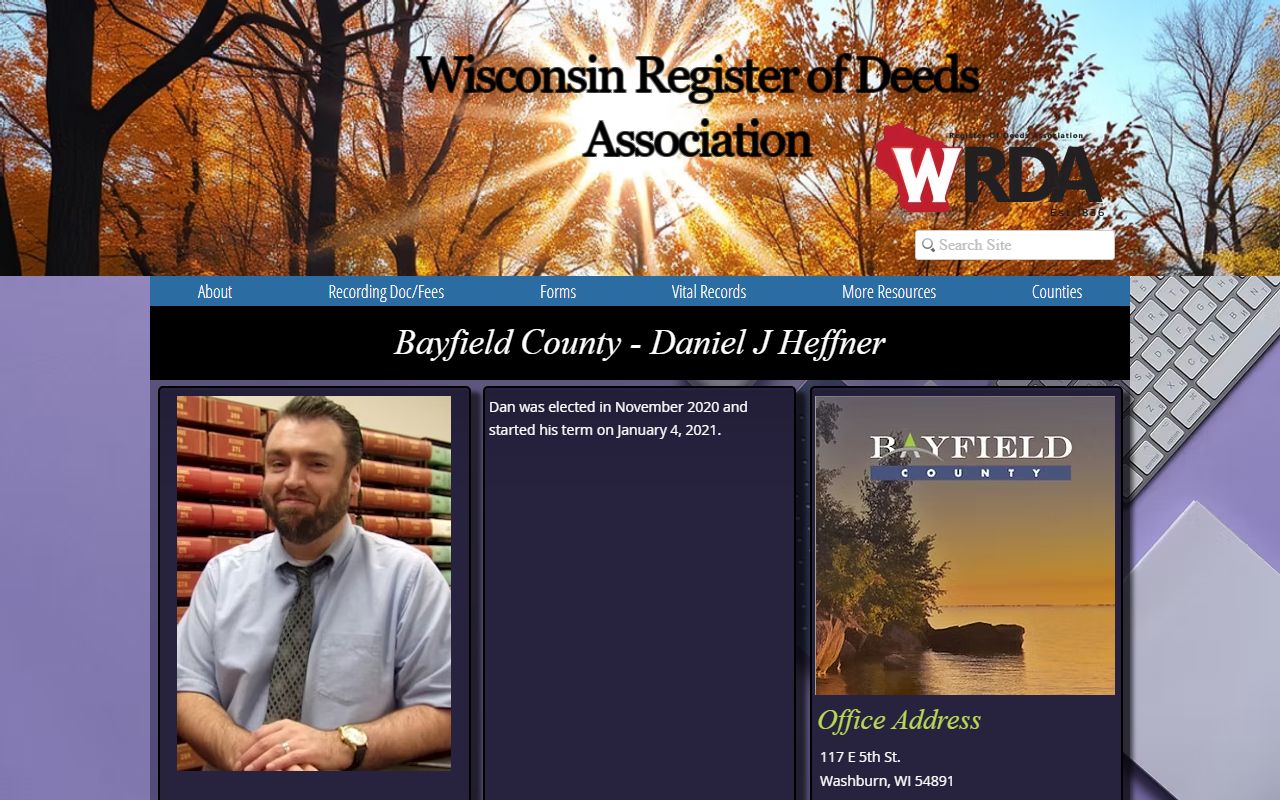
Use it when you want a statewide context for Bayfield's local land record work.
Note: Bayfield County's document portal and web maps serve different jobs, so it is worth using both before you request a copy.